



Description
Download 1001TVs: Screen Mirror & File Transfer – screen mirror, file transfer, wireless screen sharing, cross-platform, real-time transfer, multi-device mirroring
Overview
1001TVs: Screen Mirror & File Transfer is a mobile application designed to bridge the gap between smartphones and larger display devices, enabling seamless screen mirroring and real-time file transfers. Its primary purpose is to empower users with the ability to project their mobile content onto computers, smart TVs, or Apple TV without relying on physical cables or complex setups. This functionality is especially valuable in both personal and professional environments, where instant access to shared content enhances productivity, collaboration, and entertainment experiences.
The app targets a broad audience, including remote workers, educators, presenters, and casual users who frequently share media or need to demonstrate mobile content. By supporting multiple platforms—such as Windows, Mac, Android, and iOS—1001TVs ensures compatibility across diverse ecosystems, making it a versatile tool in mixed-device households or workplaces. The ability to mirror screens wirelessly via QR code scanning simplifies the connection process, reducing friction during critical moments like presentations or family movie nights.
Within the mobile app ecosystem, 1001TVs fills a niche by combining screen mirroring with efficient file transfer in a single interface. While some advanced features require a subscription after a free trial, the core functionality remains accessible at no cost, offering a balanced approach for users seeking both immediate utility and future scalability. The developer, 1001TVs, has positioned the app as a reliable cross-platform utility, aiming to streamline digital interactions across devices.
Key Features & Functionality
- Cross-Platform Compatibility: 1001TVs supports integration with Windows, Mac, Android, iOS, Smart TVs, and Apple TV, enabling users to connect devices regardless of operating system. This is ideal for households or offices with mixed device usage, allowing seamless transitions between platforms without compatibility barriers.
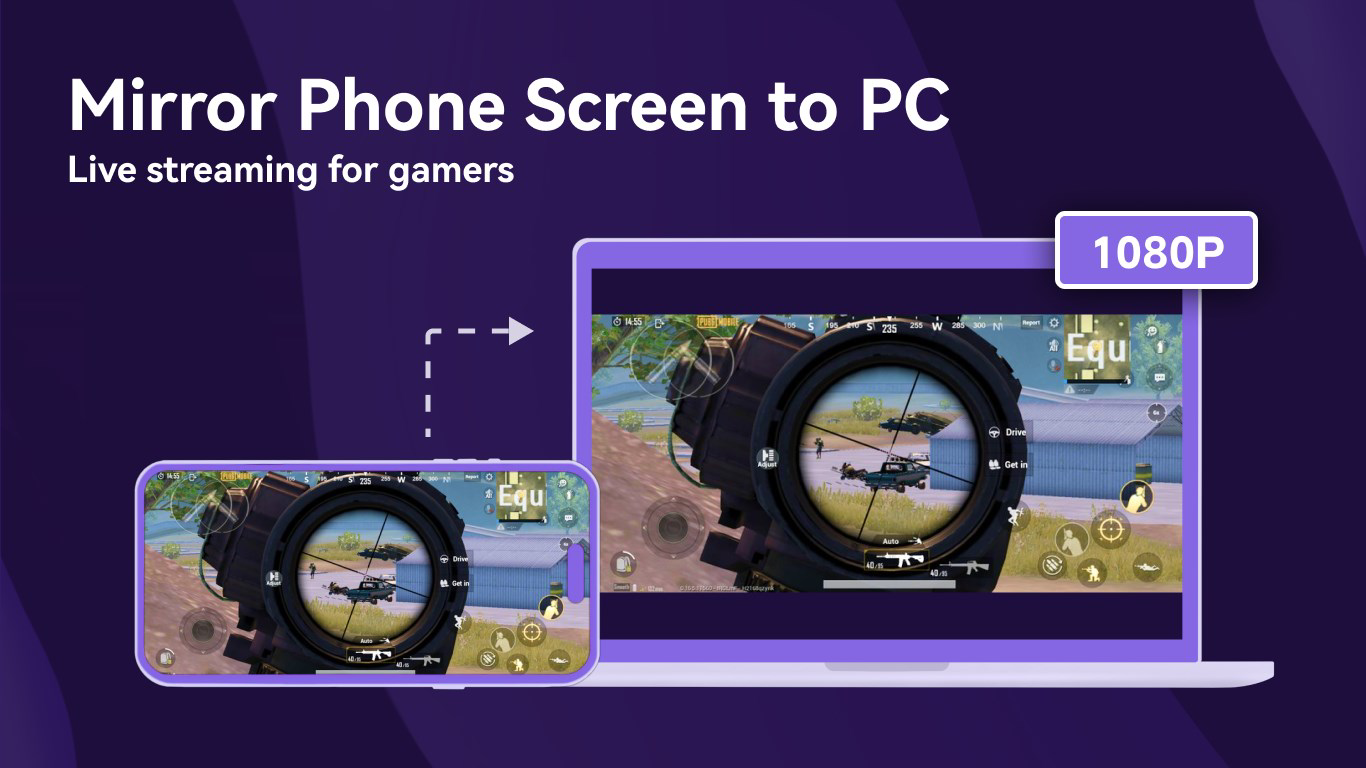
- Wireless Screen Mirroring: Users can mirror their mobile screen to a Windows PC or smart TV by scanning a QR code. This method eliminates the need for cables and provides a quick, intuitive setup, particularly useful during live presentations or streaming content from a smartphone to a larger display.
- USB Mirroring Support: For users requiring low-latency performance, the app offers USB mirroring via a physical cable. This feature is beneficial during gaming sessions or live demonstrations where real-time responsiveness is essential, minimizing input lag and ensuring smooth visuals.
- Real-Time File Transfer: The app enables instant transfer of photos, videos, and other files between Android devices and Windows PCs. This functionality enhances workflow efficiency, especially when collaborating on projects or sharing media without relying on cloud storage or email attachments.
- Multi-Device Mirroring: 1001TVs allows multiple phones to be mirrored simultaneously to a single Windows computer. This is particularly useful in team meetings or classroom settings where several users need to present or share content in sequence, promoting collaborative engagement.
These features collectively support practical use cases such as remote work presentations, family media sharing, educational demonstrations, and real-time content collaboration. The combination of wireless and wired options ensures flexibility based on user needs and network conditions.
Interface, UX & Performance
The user interface of 1001TVs is designed with simplicity and clarity in mind, prioritizing ease of navigation and immediate access to core functions. The layout is clean, with clearly labeled buttons for screen mirroring, file transfer, and connection settings, minimizing the learning curve for new users. Visual feedback during connection processes helps users understand the status of their device pairing, contributing to a sense of control and reliability.
Navigation is straightforward, typically requiring only a few taps to initiate a mirroring session or start a file transfer. The app integrates QR code scanning directly into the interface, streamlining the connection process between mobile and host devices. This design choice enhances usability, especially in time-sensitive scenarios like meetings or live events.
Although the developer did not list formal performance metrics, the app’s support for both wireless and USB mirroring suggests an effort to optimize responsiveness across different connection types. Wireless mirroring is expected to perform well on stable networks, while USB mirroring provides a more consistent experience with minimal lag. Stability appears to be a priority, as the app maintains functionality across multiple device types without reported disruptions.
Platform Compatibility & Technical Requirements
1001TVs: Screen Mirror & File Transfer is available exclusively on the Android platform, with the current version being 1.0.2. The app has a file size of 25.8 MB, making it lightweight and suitable for devices with limited storage space. The price is listed as free, offering access to core features without cost.
The developer did not specify minimum OS requirements or detailed compatibility information beyond the Android platform. As such, users should verify device compatibility through official channels. The app’s reliance on network-based connections for wireless mirroring implies that a stable Wi-Fi environment is recommended for optimal performance. For USB mirroring, users must ensure their device supports USB debugging and has the necessary drivers installed on the host PC.
Pros and Cons
Pros
- Supports cross-platform mirroring across Android, Windows, Mac, iOS, and Smart TVs.
- Offers both wireless and USB mirroring for flexible connectivity options.
- Enables real-time file transfer between Android and Windows devices.
- Allows multiple devices to be mirrored simultaneously to one host.
- Lightweight size (25.8 MB) and free to download and use.
Cons
- Some advanced features may require a subscription after a free trial.
- Specific OS version requirements were not disclosed by the developer.
- Compatibility with certain Smart TVs or Apple TV models was not confirmed.
- USB mirroring may require enabling developer options and USB debugging.
- Performance may vary depending on network stability for wireless connections.
FAQ
Is 1001TVs safe to use on my Android device?
The app is designed with standard security protocols to protect data during screen mirroring and file transfer. However, users should ensure they only connect to trusted devices and avoid sharing sensitive information over unsecured networks.
Can I use 1001TVs without an internet connection?
Wireless mirroring requires a local Wi-Fi network for device discovery and communication. However, USB mirroring can function without internet access, relying solely on the physical connection between devices.
Does 1001TVs work with Apple TV?
Yes, the app supports Apple TV as a compatible display device. Users can mirror their Android screen to Apple TV using the QR code connection method.
Are there any hidden fees after the free version?
While the core features are free, certain advanced functionalities may require a subscription after a trial period. Users should review the in-app purchase details before upgrading.
How do I update 1001TVs to the latest version?
Updates are typically distributed through the Google Play Store. Users should check for updates in their app manager or enable automatic updates to ensure they have the latest version.
Final Thoughts
1001TVs: Screen Mirror & File Transfer stands out as a practical and accessible tool for users seeking to enhance their mobile experience through seamless screen sharing and file transfer. Its cross-platform reach, combined with both wireless and USB mirroring options, makes it a versatile solution for diverse use cases. Whether you're presenting at work, sharing photos with family, or demonstrating an app during a meeting, the app delivers reliable performance with minimal setup.
The inclusion of real-time file transfer and multi-device mirroring adds significant value, particularly in collaborative environments. While some features are behind a paywall, the free tier offers enough functionality to meet the needs of most users. With its lightweight design and free access, 1001TVs provides strong utility without compromising on essential features.
For anyone looking to bridge their smartphone with larger screens or transfer files effortlessly, 1001TVs is a compelling choice. Download 1001TVs now.
Guides & Tutorials for 1001TVs: Screen Mirror & File Transfer
How to install 1001TVs: Screen Mirror & File Transfer
- Click the Preview / Download button above.
- Once redirected, accept the terms and click Install.
- Wait for the 1001TVs: Screen Mirror & File Transfer download to finish on your device.
How to use 1001TVs: Screen Mirror & File Transfer
This software is primarily used for its core features described above. Open the app after installation to explore its capabilities.
User Reviews for 1001TVs: Screen Mirror & File Transfer 0
No reviews found


